Expand the canvas
Fit more frame ratios while keeping the original pixels unchanged.
MADE FOR DIGITAL PRINT & PRINT-ON-DEMAND SELLERS
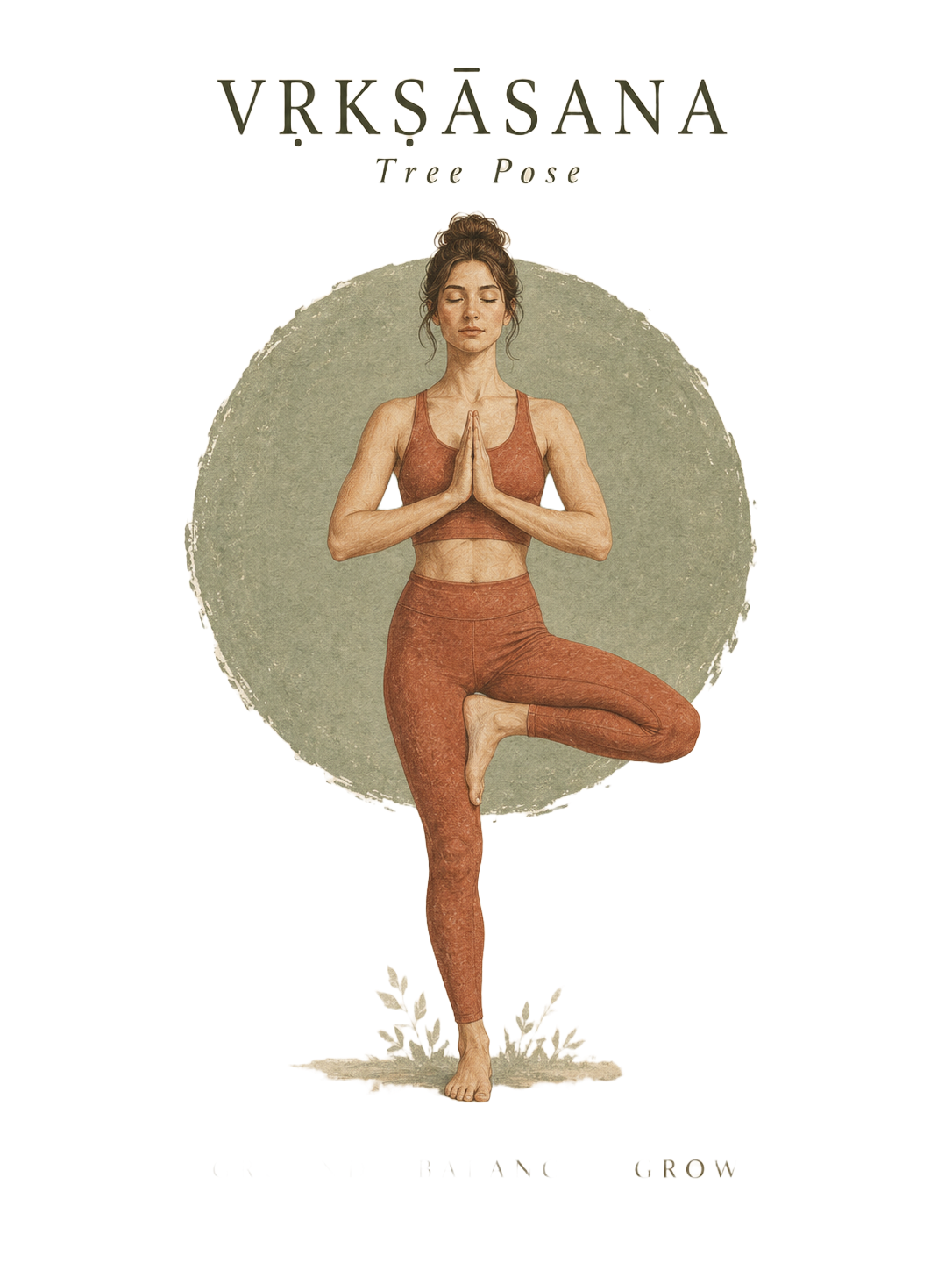
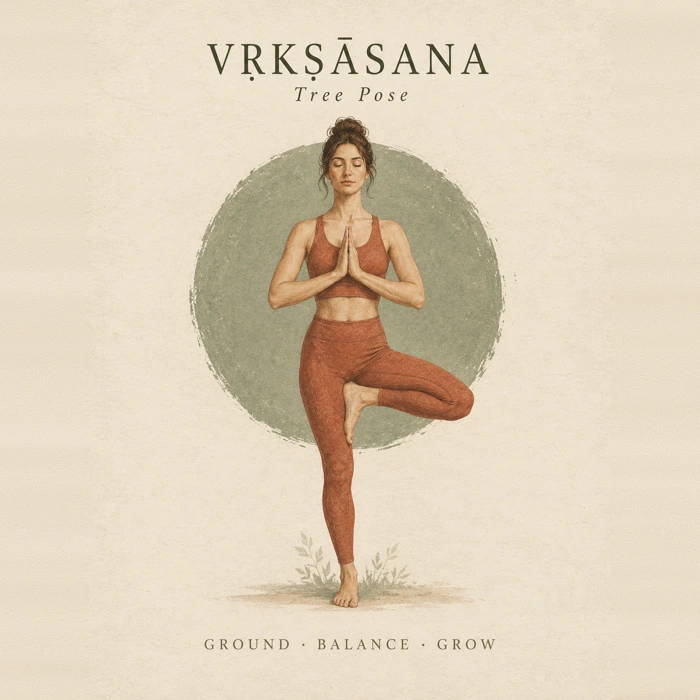
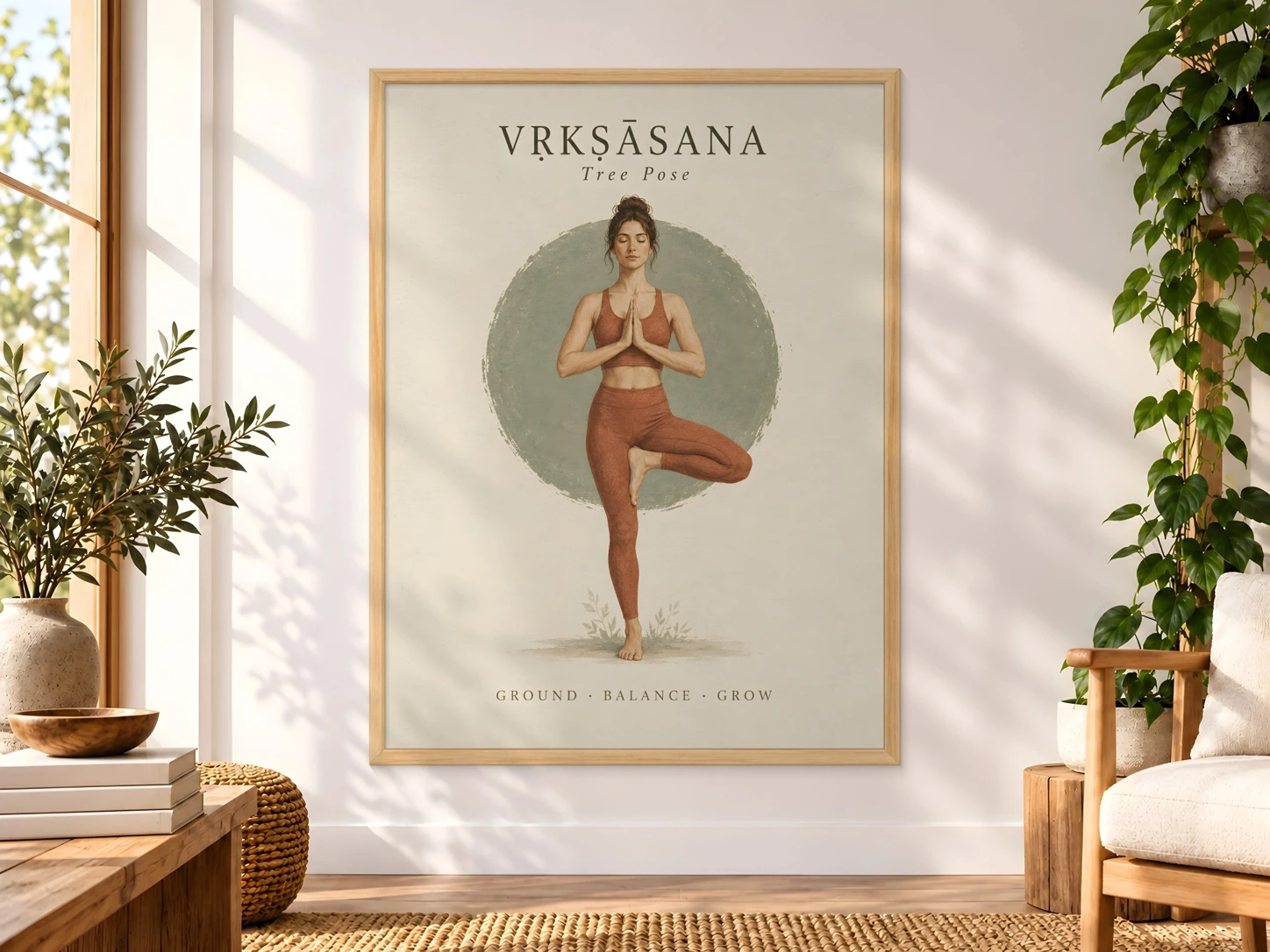
Turn your artwork into print files, room mockups and a listing draft. See the results with our Tree Pose sample, then prepare your own.
2 local uses a day + 3 one-time AI edits.
No card needed to explore. £4.99 once or monthly plans from £8.99
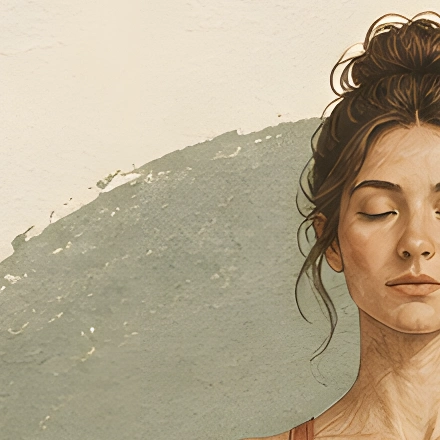
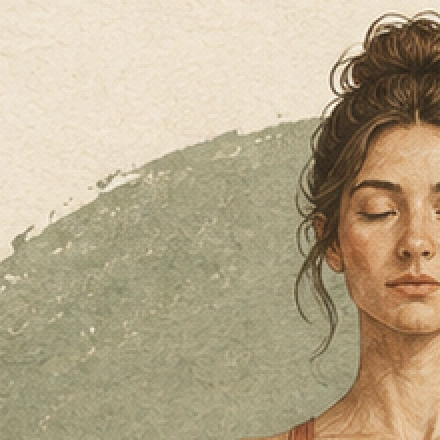
1086 × 1448 → 2172 × 2896 pixels
Saved Real-ESRGAN result. Review text and texture before printing.
3:4 · 2172 × 2896 px · 7.2 × 9.7 in at 300 DPI
Complete artwork with matched margins. Print size depends on source pixels.
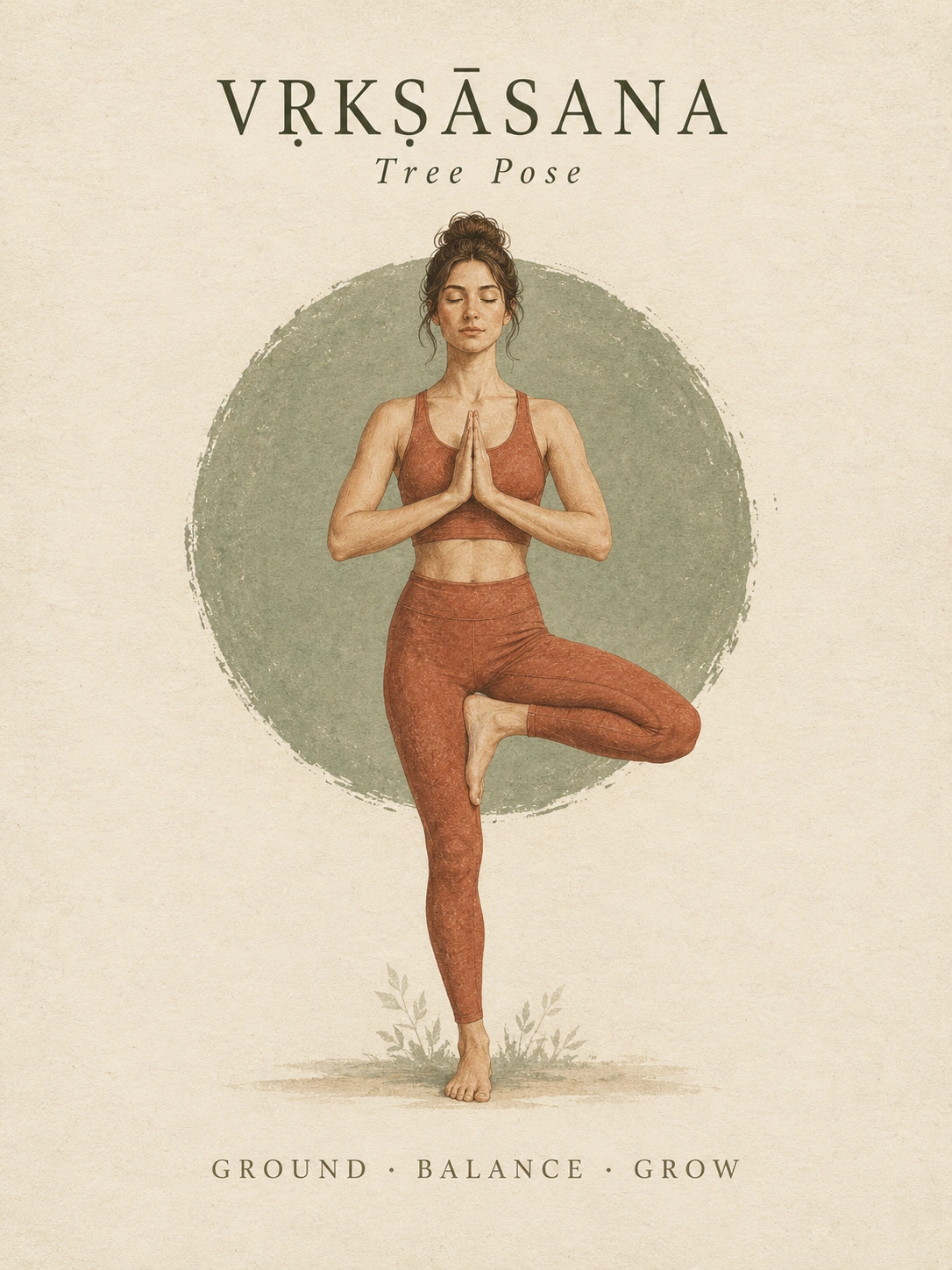
1086 × 1448 → 1448 × 1448 px · 181 px added on each side
Actual local paper fill. Your original artwork stays unchanged.
Compare the artwork
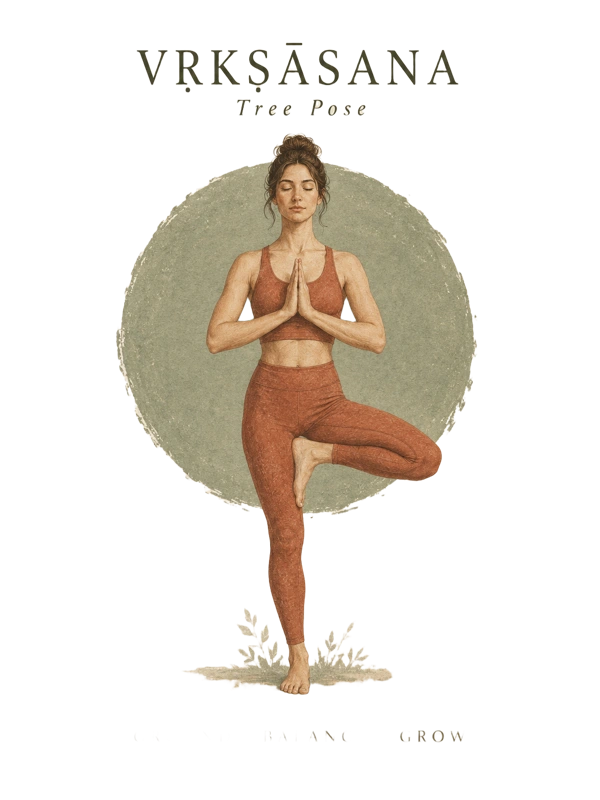
Inspect transparency
Checkerboard shows the transparent areas.
Actual saved AI cutout · 1086 × 1448 px. Inspect the text and edges.
Preview backgrounds do not change the transparent download.
Live local preview · change the name, opacity or position.
Protect shop previews and keep your clean customer print files.
Digital download · 6 JPG print files
3:4 file · 2172 × 2896 pixels
Vṛkṣāsana (Tree Pose) Digital Wall Art
38 / 140 characters
Saved AI draft using supplied file details. Edit it in the workspace.
Six print ratios, a room mockup, an editable listing draft and exact size instructions.
From the actual 2× result; no enlarged print-size promises.
Upload a JPG, PNG or WebP, or try our sample. Previews and setting changes are free.
Choose your frame and scene, then create a mockup with your exact artwork.
Get six print ratios and your mockup in a ZIP. No AI step is required.
THE DETAILS THAT FINISH A LISTING
See what changes and what stays yours. Each example uses Tree Pose.
READY FOR THE NEXT ARTWORK
Keep named projects on this device, reuse a saved shop template and prepare multiple files with batch local tools.
Fit more frame ratios while keeping the original pixels unchanged.
Download a transparent PNG and refine the edges locally.
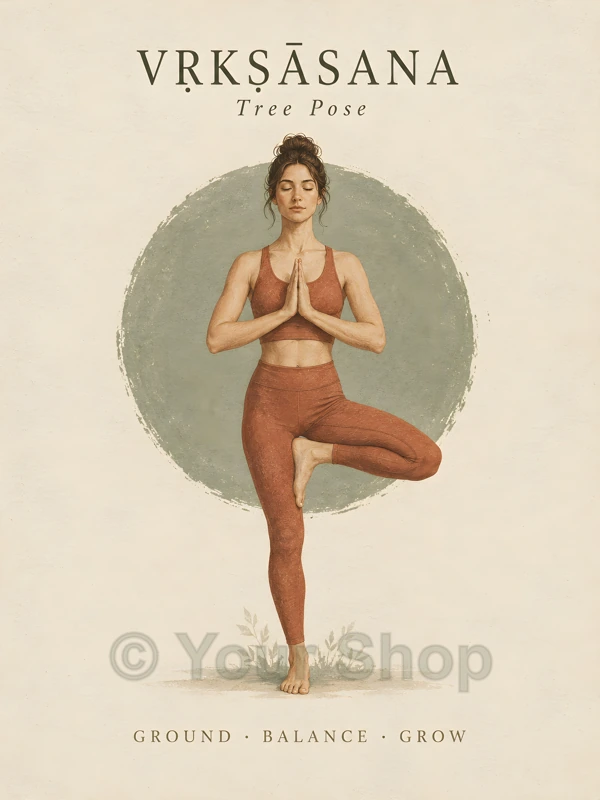
Preview your shop name or logo before applying it.
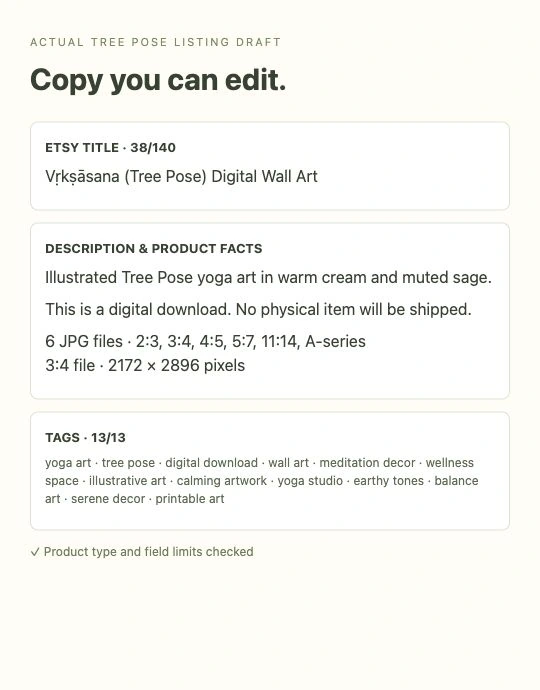
Product facts, title, description and tags you can edit.
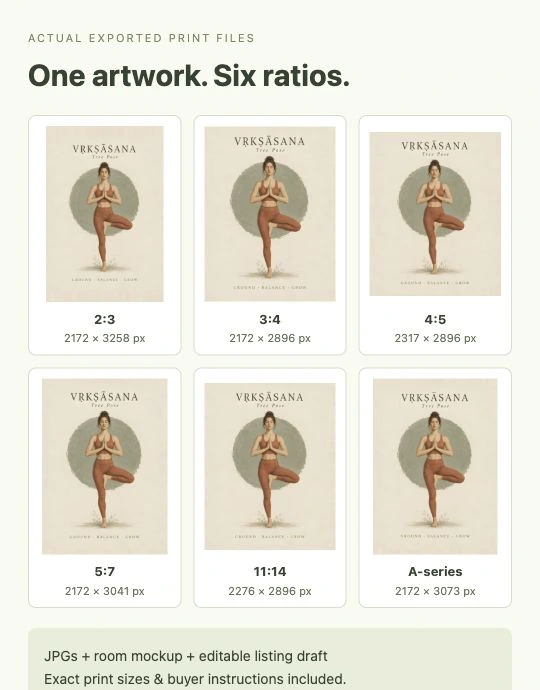
Six print ratios with actual pixels and printable sizes.
Drop an image here, or choose a file.
CHOOSE HOW YOU CREATE
Subscribe for a regular workflow, or buy a pack when you need one.
Checking secure checkout…
Unlimited print resizing, room mockups and watermarked previews
Includes 30 AI edits / monthLocal expansion + JPG, PNG & ZIP exportsFor example: 15 artworks with one standard upscale + one listing draft each. Local files and mockups are unlimited.Billed monthly in GBP. Renews until cancelled.Unlimited print resizing, room mockups and watermarked previews
Includes 100 AI edits / monthLocal expansion + JPG, PNG & ZIP exportsFor example: 50 artworks with one standard upscale + one listing draft each. Local files and mockups are unlimited.Billed monthly in GBP. Renews until cancelled.Manage or cancel your monthly plan in your account before renewal. Cancellation details · Refund policy
OCCASIONAL PROJECT?
10 standard AI edits with no expiry, plus 30 days of unlimited local tools.
No renewal. After 30 days, free accounts return to 2 local uses a day; your purchased AI edits stay available.
Unlimited print resizing, room mockups and watermarked previews
Includes 250 AI edits / monthLocal expansion + JPG, PNG & ZIP exportsFor example: 125 artworks with one standard upscale + one listing draft each. Local files and mockups are unlimited.Billed monthly in GBP. Renews until cancelled.One standard AI edit is one successful 2× / 4× upscale, background removal, standard AI expansion or complete listing draft. An upscale and a listing draft use two edits. Each new variation uses an edit; failed operations do not use your allowance. Premium 6× upscales are a separate purchase in the Upscale tool.
Local previews and settings are free. Paid monthly plans include unlimited print resizing, watermarks, local expansion, room mockups and bundle preparation. Named projects, shop templates and batch local tools help you reuse your settings; saved projects stay on this device.
Monthly plans renew automatically until cancelled. Cancel in your account before your next renewal. Standard monthly AI allowances refill with your subscription period and do not roll over. Existing legacy accounts retain their calendar allowance and original credit pricing. Purchased one-time AI edits do not expire.
Free local uses reset daily at 00:00 UTC; the 3 free AI edits are a one-time trial. Prices are in GBP; any applicable tax and the final total are shown in Stripe before payment. Cancellation details · Refund policy.
One successful standard upscale, background removal, AI expansion or listing draft. An upscale plus a listing draft uses two edits. Failed operations do not use your allowance. Premium 6× upscales are separate.
Yes. The £4.99 one-time pack includes 10 standard AI edits with no expiry and 30 days of unlimited local tools. It does not renew. After 30 days, free accounts return to 2 local uses a day; any purchased AI edits remain available. Premium 6× upscales are a separate purchase in the Upscale tool.
JPG is the default. PNG is available for lossless exports and is required for transparency. Choose your print files, mockups and optional listing copy in the bundle tool.
Yes. Open your account and choose Manage billing. Cancellation takes effect at the end of the paid billing period. Standard monthly AI edits refill with your subscription period and do not roll over. Legacy accounts keep their existing calendar allowance. One-time purchased AI edits do not expire.
Local tools process images in your browser. Requested AI tools send the selected image to our AI processor. Saved projects stay in this browser; clearing browser data removes them. Privacy details.
No. Print quality depends on source detail, final pixels and physical size. Check text and edges at full size. A DPI label alone cannot add detail.